Application solution
Leather Printing Application Solution
Explore direct printing on genuine, PU and PVC leather, including dark-material printing, the production workflow and sample-testing requirements.
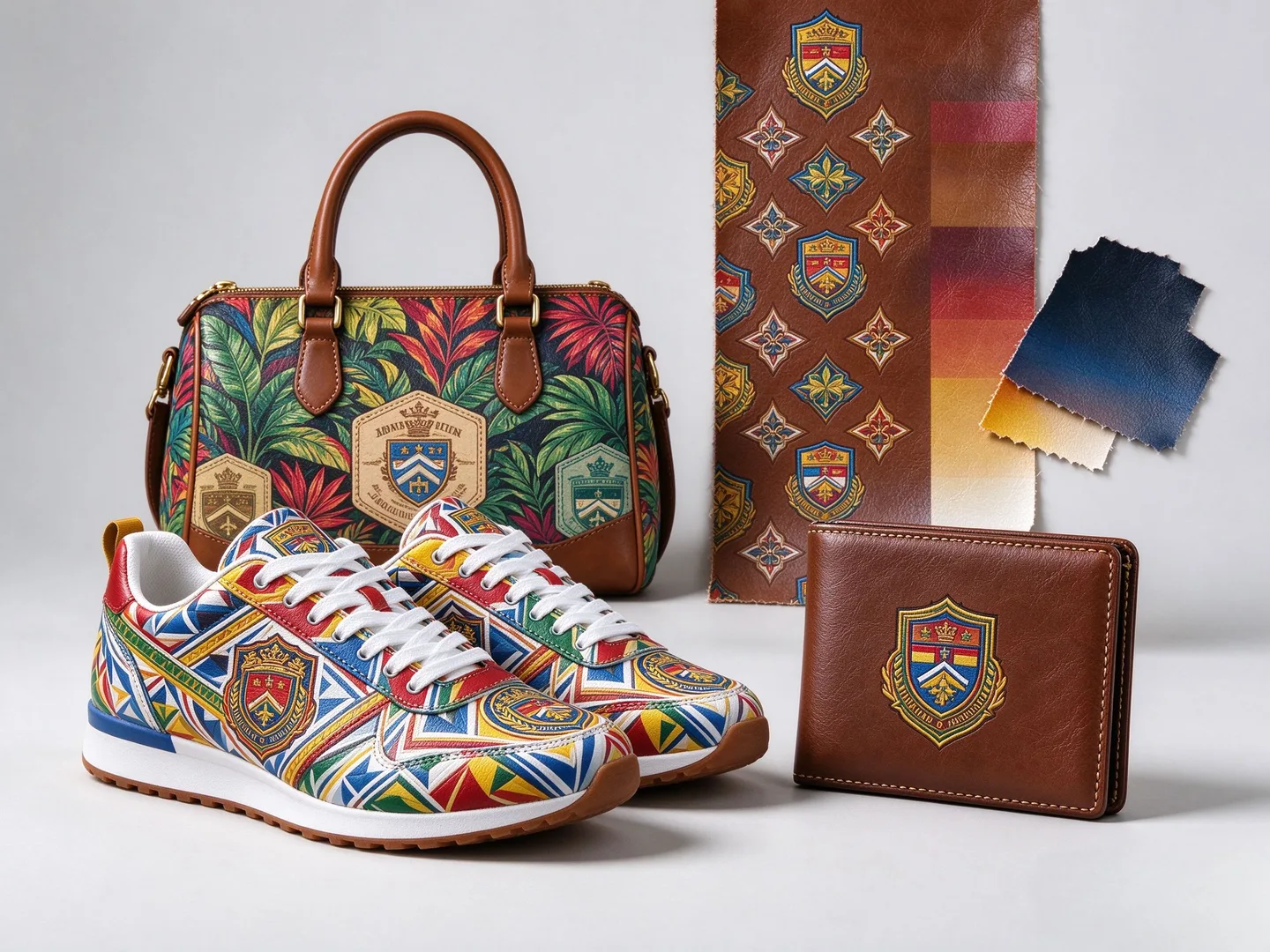
Leather printers apply digital graphics directly to genuine leather, PU synthetic leather and PVC artificial leather. The process requires no printing plates or transfer step and supports production from a single sheet. Applications include footwear, bags, belts, leather gifts and automotive interiors.
This guide covers common leather applications and the workflow from artwork to printed material. Material suitability and finishing requirements should be confirmed with samples.
Why choose direct leather printing?
No plates; suitable for samples and small orders
Traditional plate printing, screen printing and heat-transfer processes can involve longer preparation and higher minimum quantities. Digital direct printing eliminates plate and mould preparation, allowing artwork to be sent directly to the printer. The source material describes same-day sampling and small-batch production.
Print directly onto the leather texture
The graphic is deposited on the leather surface, retaining the material's original texture and feel without the edge of a transfer film.
A white base for dark leather
A white-ink base allows vivid colour graphics to be printed on dark leather, including black and dark brown. White is printed first, followed by CMYK colour.
Print full sheets before cutting
Full leather sheets can be printed and then cut to the pattern for subsequent sewing or assembly.
Applications and materials
The existing material lists the following application directions:
- Genuine leather, including cowhide and sheepskin
- PU synthetic leather and PVC artificial leather
- Microfibre leather
- Automotive interior leather
- Furniture and sofa leather
- Leather for footwear, bags, balls and grips
After printing and the appropriate curing or finishing steps, material can proceed to cutting, sewing or bonding. Test the specific leather and its surface finish before production.
Recommended workflow
- Prepare the artwork and use consistent file names for production management and service traceability.
- Lay the leather flat on the machine and align it. Flexible materials should be secured flat.
- Print the white base and colour graphic. The described process supports printing directly on dark leather with the white-ink base.
- Complete curing. In the UV direct-printing process described in the source, UV lamps cure the print immediately.
- Cut to the required pattern and proceed to sewing, bonding or other downstream operations.
Frequently asked questions
Which materials can be considered for leather printing?
The published material lists genuine leather, PU synthetic leather, PVC artificial leather, microfibre leather, automotive and furniture leather, and leather for footwear, bags, balls and grips. Confirm print suitability and finishing requirements with samples of the actual material.
Can colour graphics be printed on dark leather?
Yes. A white-ink base is printed before CMYK to improve colour brightness and coverage on black or coloured leather.
Is a transfer step required after printing?
No transfer step is required in the UV direct-printing workflow described here. UV lamps cure the ink immediately, allowing the printed material to move to sewing or finishing. Confirm the process configuration for the particular leather through sampling.
How resistant is the print to scratches, alcohol and water?
The published guidance describes resistance to everyday wiping. Specific alcohol, water, scratch, flex and abrasion performance must be established by testing the actual material. Do not treat a general application example as a tested rating for every leather type.
What varnish options are available?
The source describes an optional protective varnish layer with gloss or matt finishes for surface protection after colour printing.
Can this be used for automotive interiors and furniture leather?
These are listed application directions. Confirm the actual material's print suitability and any finishing requirements with samples before production.
Discuss your application
Share your material and process requirements with our team.
Talk to our team